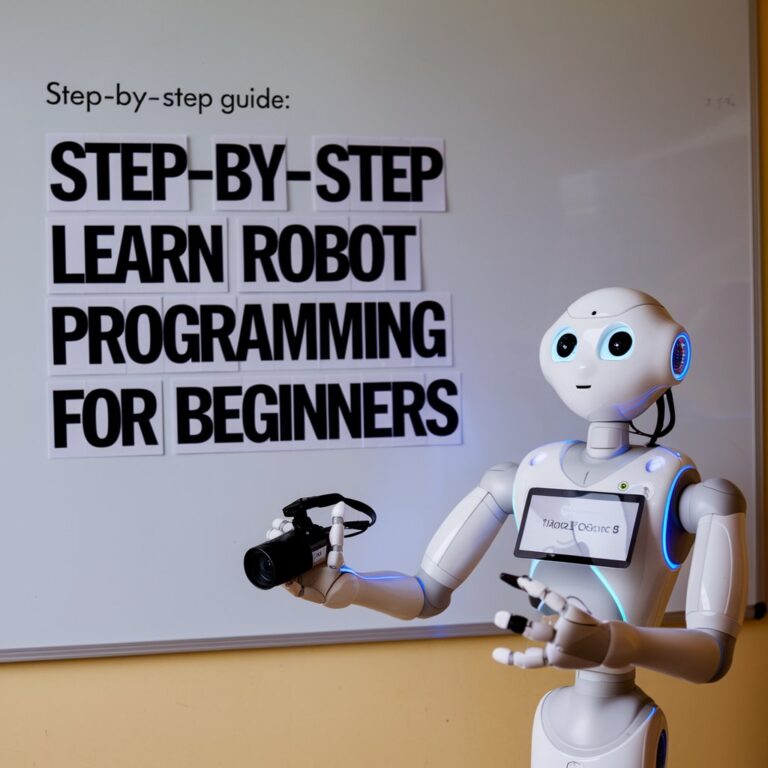
Step-by-Step Guide: Learn Robot Programming for Beginners
Step-by-Step Guide: Learn Robot Programming for Beginners Robotics programming is an exciting field blending technology,…
Robotics programming is an exciting field blending technology, creativity, and problem-solving. As automation becomes central to industries and daily life, learning how to program robots is a skill that can open countless doors. This step-by-step guide will help beginners navigate the world of robotics programming and start their journey effectively.
Robotics has become integral in areas like manufacturing, healthcare, and even home automation. Learning how to program robots is no longer a niche skill—it’s a gateway to creating innovative solutions and securing future-proof job opportunities.
Whether you’re looking to build your own robot or enhance existing ones, understanding how to communicate with machines is essential.
Before diving into coding, it’s vital to grasp the fundamentals of robotics and programming languages. Start by learning about these core components:
Familiarize yourself with basic programming concepts like:

Robots can be programmed in several languages. The right one depends on the type of robot and your goals. Here are the most popular options for beginners:
Python is widely used in robotics due to its simplicity and vast libraries. It’s ideal for beginners and supports frameworks like ROS (Robot Operating System).
Although more complex, C++ is often used for high-performance robotics tasks requiring real-time control.
For younger learners, Scratch offers a visual, block-based introduction to programming.
Start with Python for its beginner-friendly syntax and transition to C++ as you build more complex robots.
Step-by-Step Guide: Learn Robot Programming for Beginners Robotics programming is an exciting field blending technology,…

NEO Beta: The OpenAI-Powered Humanoid Robot Revolutionizing Home Assistance As technology continues to advance at…
Theory alone won’t make you a robotics expert. Invest in a robotics kit to put your knowledge into practice. Beginner-friendly kits include:

If you’re serious about robotics, ROS is a must-learn tool. It’s an open-source framework widely used in academia and industry for building robotic applications.
Creating your own robot is one of the most rewarding milestones. Start small and gradually increase complexity. Here’s a simple roadmap:

Using a kit or custom parts, assemble components like:
Programming robots can sometimes feel overwhelming. Engaging with a community can help you stay motivated and learn from experienced practitioners.
Once you’re comfortable with the basics, challenge yourself by exploring more advanced topics, such as:
| Tool/Resource | Purpose | Cost |
|---|---|---|
| Arduino IDE | Writing and uploading Arduino code | Free |
| Tinkercad | Simulate circuits and robotics designs | Free |
| Coursera Robotics Courses | Comprehensive learning | Free to Paid |
Learning robotics programming as a beginner might seem daunting, but with the right approach, it becomes an enjoyable journey. Start with the basics, choose the right tools, and immerse yourself in hands-on projects. The skills you acquire not only prepare you for exciting career opportunities but also empower you to innovate and solve real-world problems.
Take the first step today—your future in robotics awaits
Educational robotics kits are a fantastic way to foster creativity, problem-solving skills, and a deeper understanding of STEM (Science, Technology, Engineering, and Mathematics) concepts. Whether you’re a parent looking to introduce your child to programming or an adult seeking a hands-on learning experience, there’s a robotics kit tailored to your needs.
This guide explores the 10 best educational robotics kits available in 2024 for learning at home. These kits range from beginner-friendly options to advanced setups for tech enthusiasts.
The LEGO Education SPIKE Prime is a versatile robotics kit that combines LEGO Technic elements, sensors, motors, and an intuitive app to teach coding and engineering.
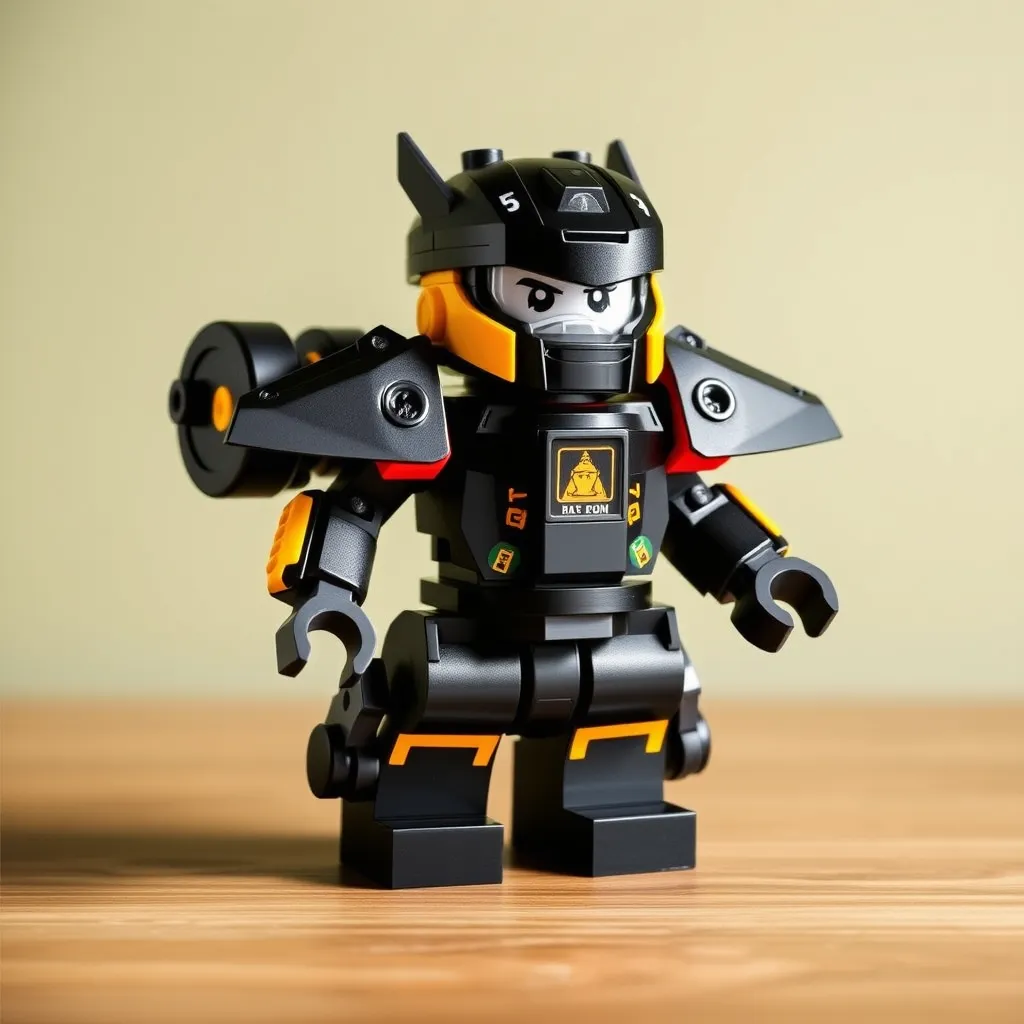
The Makeblock mBot is a cost-effective introduction to robotics and programming. Its snap-together assembly and drag-and-drop software make it perfect for younger learners.
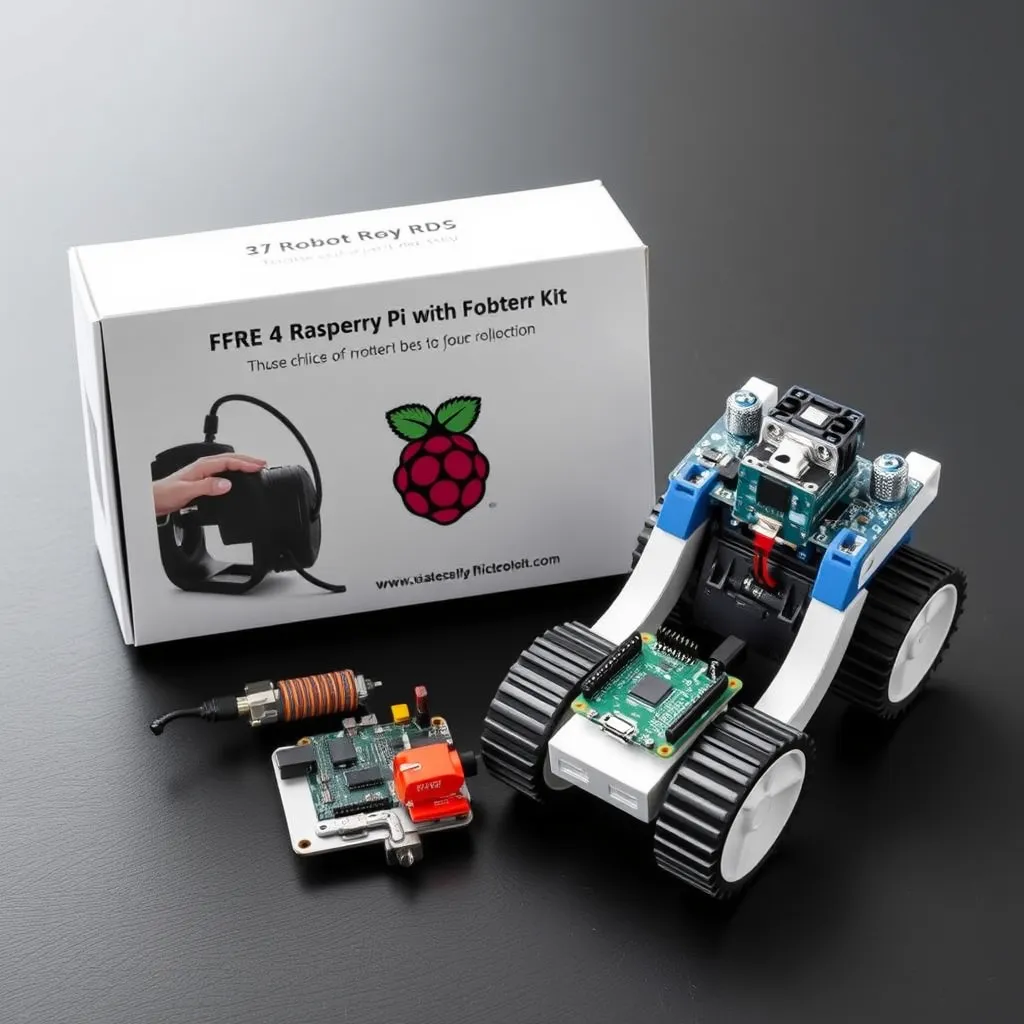
The Raspberry Pi 4 is more than a robotics kit; it’s a full-fledged computer capable of handling complex programming. Pair it with a robotics add-on pack to build custom bots.
Sphero BOLT is a spherical robot packed with features for coding and interactive play. It’s ideal for teaching logic, mathematics, and problem-solving.
The Dash Robot introduces kids to coding with fun, interactive challenges. Designed for beginners, it uses a tablet or smartphone app for control.
The Arduino Starter Kit offers an introduction to hardware and software programming. This kit includes microcontrollers, sensors, and components for building robots.
Combining robotics with drone technology, the Robolink CoDrone Pro teaches both coding and flight mechanics.
Thymio is an approachable robot designed to teach basic programming concepts through visual and text-based coding.
The Ozobot Evo offers a unique, screen-free way to teach programming. It uses color-coded markers to guide the robot, making it perfect for younger kids.
The LEGO Mindstorms Robot Inventor kit allows users to design, build, and code robots from scratch. With over 900 LEGO pieces, the possibilities are endless.
Robotics kits offer an exciting way to learn STEM at home, combining play with education. Whether you’re a beginner exploring the basics or an advanced learner diving into complex builds, there’s a kit for you on this list.
Start your journey with one of these top 10 educational robotics kits and unlock your creative and problem-solving potential today. Which one will you choose? Let us know in the comments!
Here’s an optimized comparison table to help you quickly evaluate and choose the best robotics kit for your needs:
| Robot Kit | Age Range | Skill Level | Programming Language | Key Features | Price Range |
|---|---|---|---|---|---|
| LEGO Education SPIKE Prime | 10+ | Intermediate to Advanced | Scratch-based | Modular design, sensors, and motors. Ideal for teamwork and STEM education. | $$$$ |
| Makeblock mBot | 8+ | Beginner | Scratch | Snap-together design, obstacle avoidance, line-following. | $$ |
| Raspberry Pi 4 Starter Kit | 12+ | Advanced | Python | Customizable projects, AI integration, electronics. | $$$$ |
| Sphero BOLT | 8+ | Beginner to Intermediate | JavaScript, Scratch | Interactive LED matrix, durable, waterproof. | $$$ |
| Wonder Workshop Dash Robot | 6-11 | Beginner | Blockly, Scratch | Kid-friendly design, voice recognition, app-based learning. | $$ |
| Arduino Starter Kit | 14+ | Advanced | C++ | DIY hardware projects, open-source support, and customizable robots. | $$$ |
| Robolink CoDrone Pro | 12+ | Intermediate to Advanced | Arduino-based | Combines drone and robotics programming. | $$$ |
| Thymio Educational Robot | 6+ | Beginner to Intermediate | Scratch, Blockly, Python | Pre-programmed modes, modular for growth, versatile coding options. | $$$ |
| Ozobot Evo | 6+ | Beginner | Screen-Free, Blockly | Color-coded markers for screen-free programming, compact and portable. | $$ |
| LEGO Mindstorms Robot Inventor | 10+ | Intermediate to Advanced | Scratch, Python | Over 900 LEGO pieces, advanced robotics and coding challenges. | $$$$ |
This table and list help pinpoint the perfect robotics kit tailored to your age group, skill level, and learning goals!